
Steps to Enroll in Autopay Program
-
Log In or Register

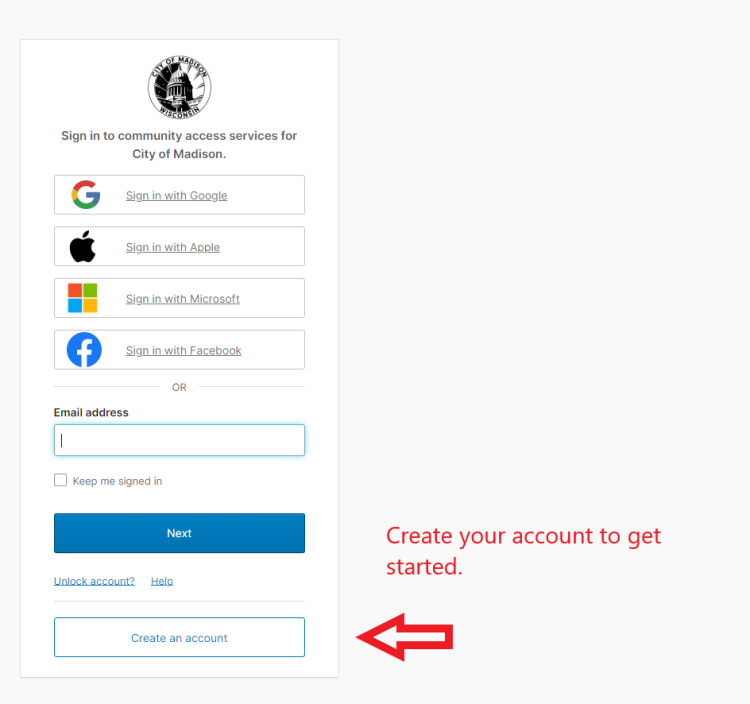
Go to the Resident Payment Portal and register for a new account, or log into an existing account.
-
Create Your Account
-
Select your Account
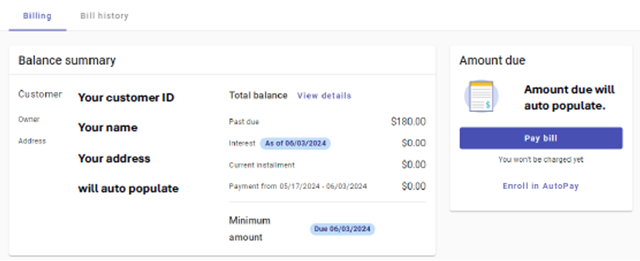
Select the "billing" tab and review your account balance details. Here you can select "pay bill" button to make a payment.
-
Complete Payment
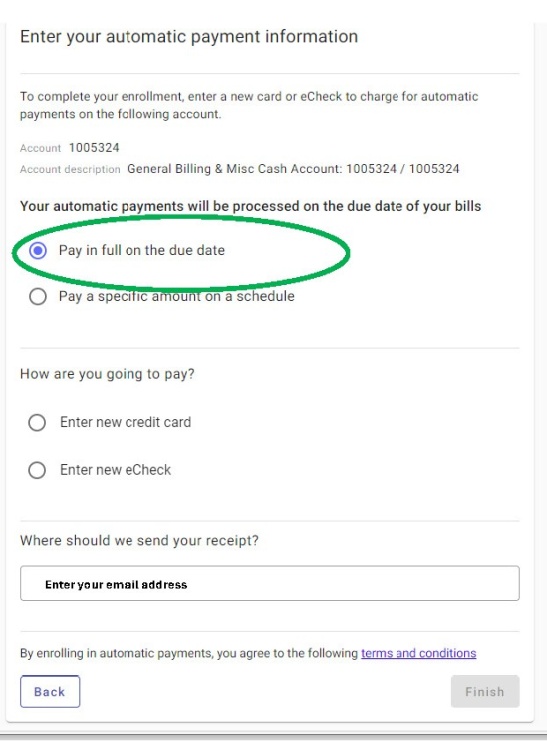
Select “Pay in full on the due date” and enter your email address to complete the enrollment form.
-
Finished!
